Profiles
One account, one profile, one whole world
A profile is not a browser tab with a different cookie. It is a directory, an identity and an exit address that belong to exactly one account — and a list built to hold hundreds of them.
Everything else in Argus attaches to a profile: the proxy it launches behind, the cookie set it opens signed in with, the fingerprint it presents, the automations that run inside it. This page is what a profile actually is, and what happens once you have more of them than you can remember.
Isolation · Fingerprints
What a profile is
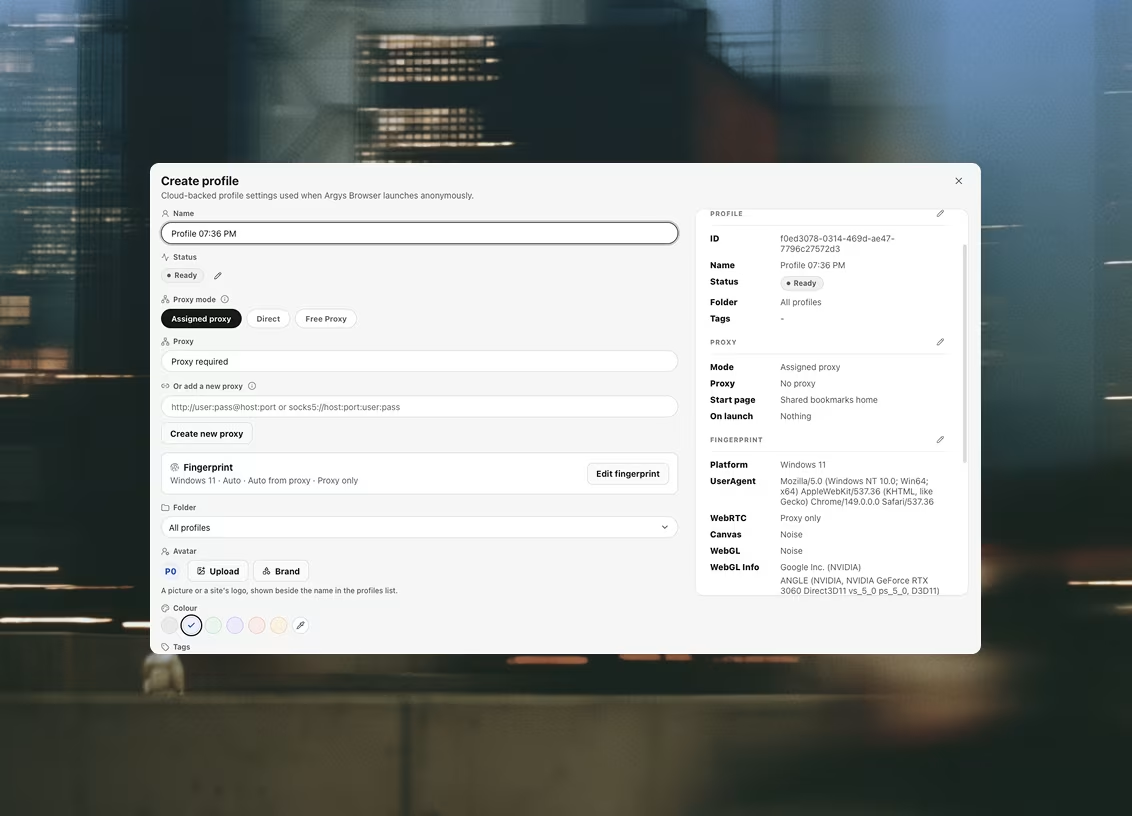
Three things, bound together. A dedicated user-data directory — its own storage, cache and cookie jar, with session restore disabled so a previous run cannot resurface in a new one. A coherent hardware identity — platform, CPU cores, memory, screen, timezone and languages generated together, with canvas, WebGL and audio applied in the renderer. And a proxy applied at the network layer rather than through an extension a page can detect.
The identity persists across launches, which is the part people underestimate. An account that has always been opened on the same believable machine is unremarkable; one whose device changes every session is the thing platforms are actually looking for.
Folders · Tags · Statuses
Folders, tags and a status you named yourself
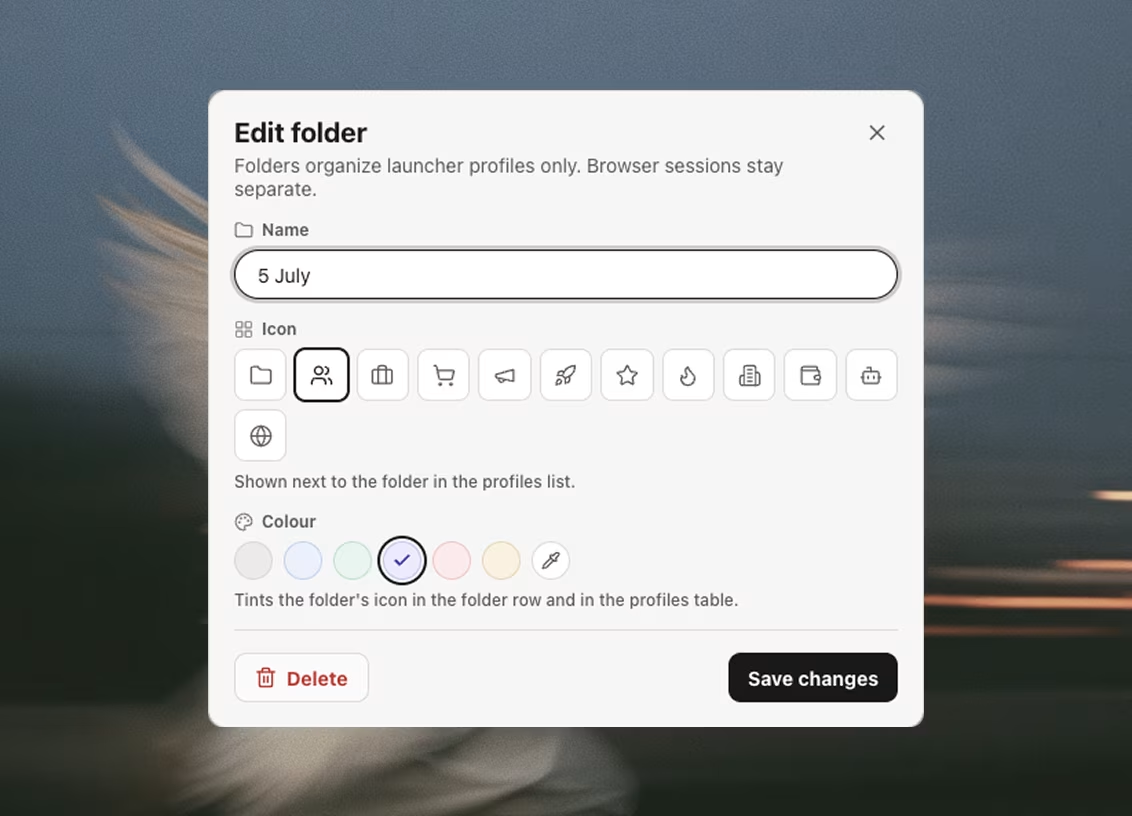
A profile carries a folder, up to five tags, a custom status label and free-text notes. The tag catalogue suggests the services people actually run — the socials, the marketplaces, the exchanges — but a tag you type yourself is just as real, and a folder can be created straight from one.
Five tags is a deliberate cap rather than an arbitrary one: a row has one cell to show them in, and a sixth tag is almost always a folder trying to happen. Statuses are your own vocabulary — warming, live, resting, whatever the work calls for — rather than a fixed list somebody else chose.
The list
Search, filter, page — and act on a hundred at once
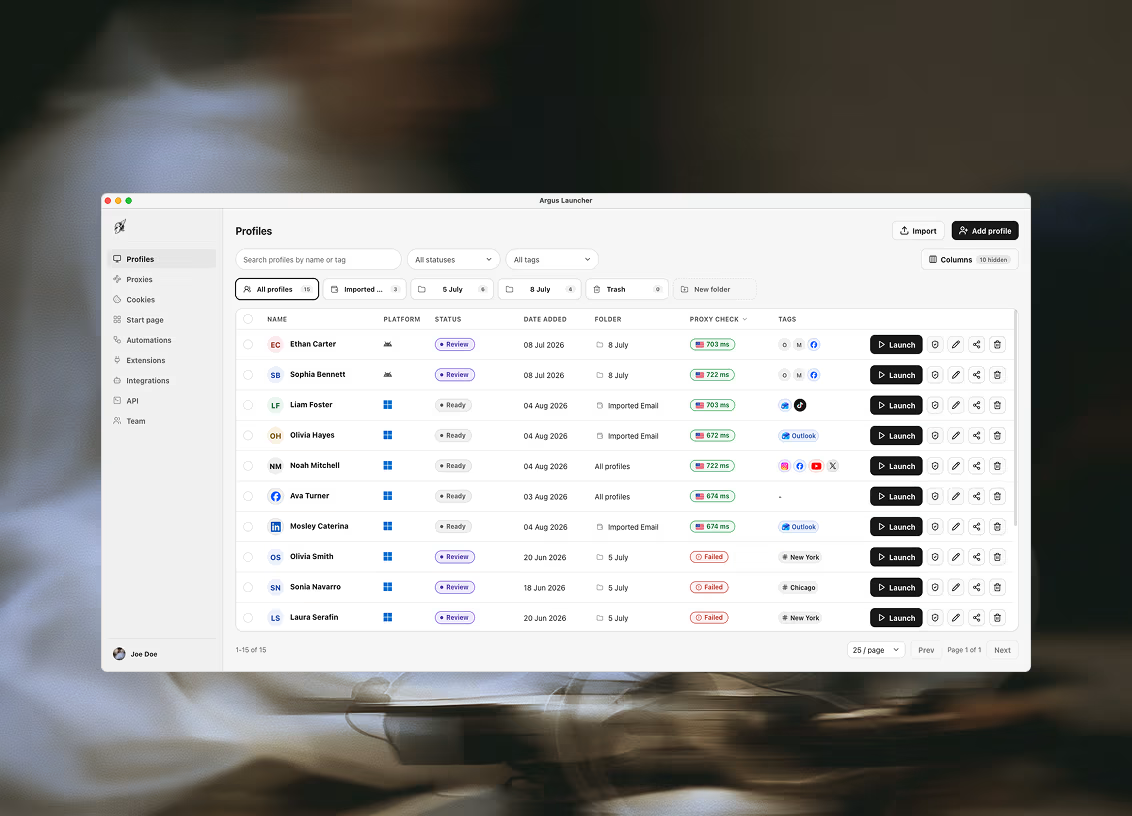
The table is built for lists that outgrow one screen: search, filters and paging rather than an endless scroll. Once a selection is made, the operations are bulk — launch the selection, edit the selection, delete the selection — so setting a proxy across forty profiles is one action rather than forty.
Delete is soft. Profiles go to Trash and can be restored, which is the behaviour that matters on the day the selection was wrong. Whole lists arrive by CSV import and leave by CSV export, so a roster you already keep in a spreadsheet does not have to be retyped to get in — or held hostage to get out.
Projects
When a piece of work crosses folders
A folder holds a profile in one place, which is right until a job needs profiles, proxies, a dataset and three schedule entries at once. Projects group all of that under one client, campaign or experiment.
Membership is a link rather than a move: nothing leaves its folder, the same shared proxy can serve several projects at once — which a folder cannot express — and deleting the project leaves everything in it working. Pick a project on any tab and that tab narrows to its things.

Ready to run profiles at scale?
Download Argus for Mac or Windows and start free with 5 profiles.