Cookie sets
The login belongs to the account, not to a person
Sign in once, save the session, assign it to a profile. From then on the profile opens already signed in — and nobody has to be told the password to use it.
A cookie set is a saved browser session: the cookies that prove an account is signed in, stored in your workspace and attachable to any profile that should open as that account. It is the least glamorous feature in Argus and the one teams notice first, because it removes the worst habit in this whole industry — passwords in a group chat.
How it works
Seeded at launch, not pasted in afterwards
Assign a set to a profile and the cookies are written into the session as it starts, before the first page loads. The profile opens already signed in — there is no extension injecting them a moment later, and no window where the site sees a logged-out visitor first.
Because a profile also carries its own device identity and its own proxy, the restored session arrives looking like the machine and the place it was created on. A cookie restored onto a different device from a different country is exactly the pattern a platform treats as a stolen session, which is why the three belong together rather than being three separate settings.
The library
A shared library, not a file per profile
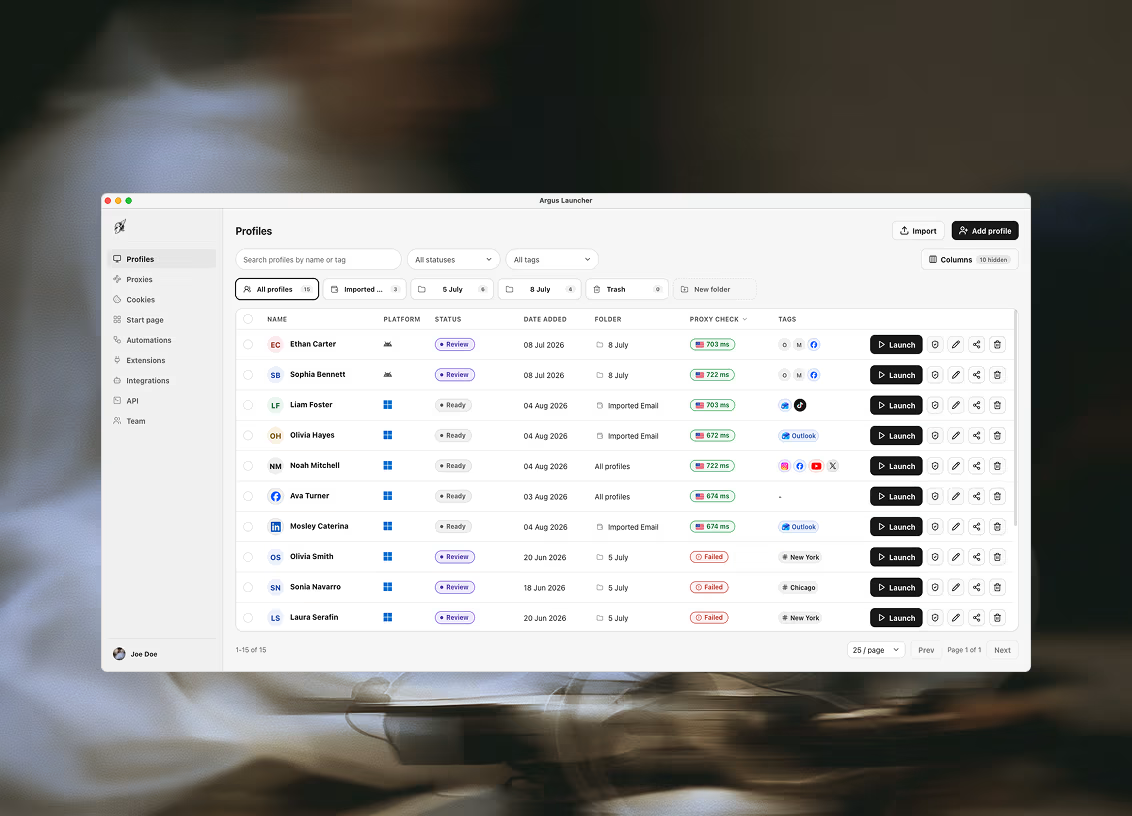
Sets live in a library the whole workspace shares, so one moves between profiles without being re-uploaded. That matters when an account is rebuilt on a fresh profile, or when the same login has to be reachable from two pieces of work.
Sessions arrive from a file or from a whole folder at once, which is how a client who turns up with a directory of exports from a previous setup is onboarded in one action rather than fifty.
Teams
What this does to a team
The password stays with whoever set the account up. Everybody else gets the profile. The designer swapping a creative, the account manager pulling a report and the person answering messages all land inside the account without ever holding the credential — and without the two-factor codes having to reach one specific phone.
When somebody leaves, nothing has to be rotated, because nothing was ever shared. The set stays in the workspace, the profile stays in its folder, and the next person opens it. That is the whole of the handover.
The honest part
What a cookie set is not
It is not a password manager and does not hold credentials — it holds a session, which is a different and shorter-lived thing. When a site expires it, or the account signs out everywhere, the set stops working and somebody signs in again to make a new one.
And a session is worth what an account is worth, so treat an export like one. Anything imported into a workspace is reachable by everyone in that workspace, which is the point of a shared library and also the thing to think about before importing a client's.
Unrelated but frequently confused: this page is about the cookie jars inside your profiles. The cookies this website itself sets are a different subject entirely, covered in the cookie policy.

Ready to run profiles at scale?
Download Argus for Mac or Windows and start free with 5 profiles.